UKAUG 2026: Version Control for Access Developers
Interactive slide deck, links, and resources from my talk today at the UK Access User Group Autumn 2026 Conference in London.

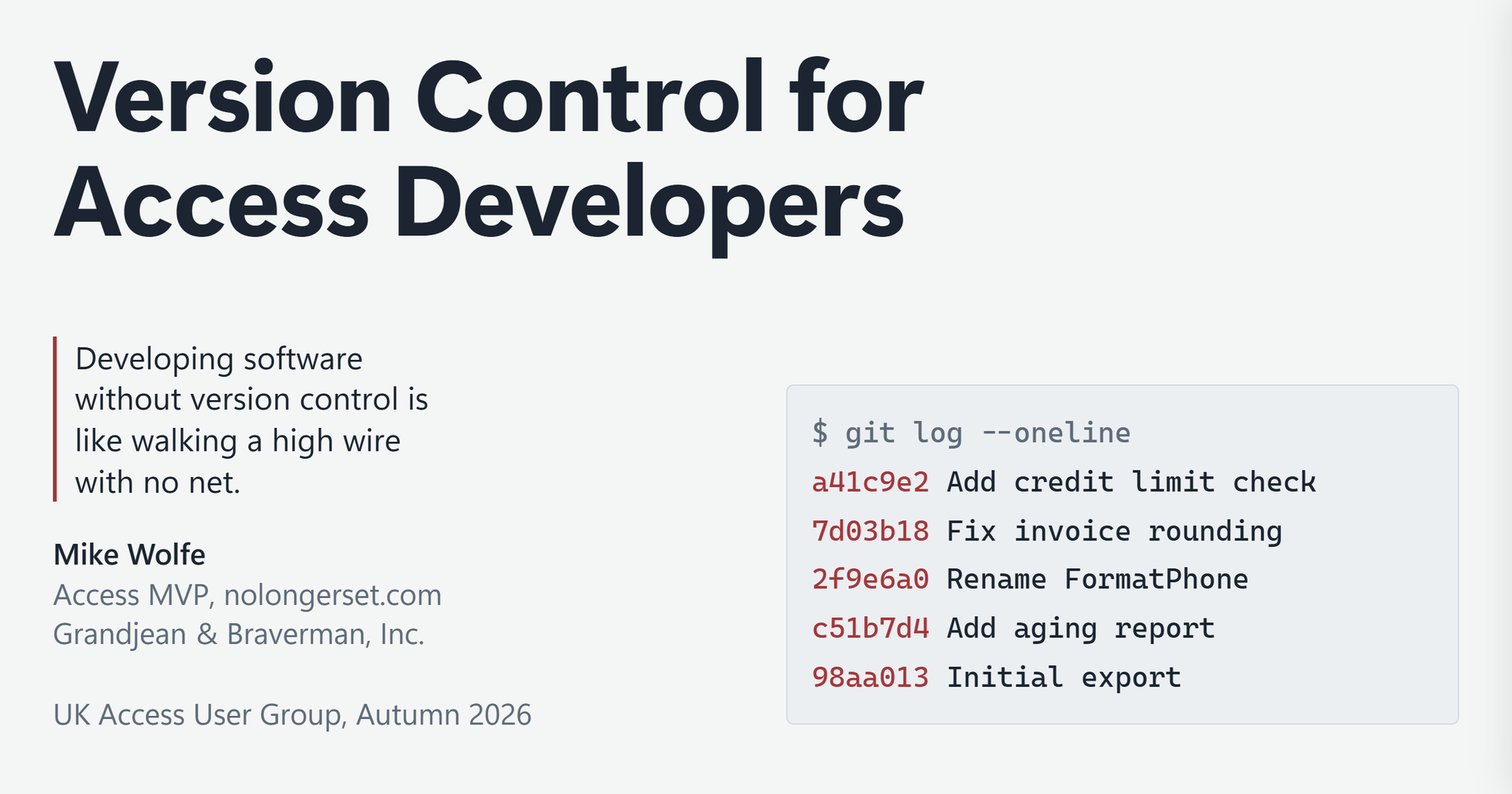
Links and resources from my talk today at the UK Access User Group Autumn 2026 Conference at The Phoenix, Cavendish Square, London.
The talk walked through putting an existing Access application under version control with Git, using Adam Waller’s free VCS Add-in and GitHub Desktop: the first commit, rebuilding the database from source, and pushing to and pulling from GitHub. The slide deck also covers protecting your main branch, pull requests, squash merges, and letting AI handle the Git commands for you.
Slide Deck
This time, the slide deck is not a PDF. It’s an interactive web page that covers everything I showed, step by step, so you can follow along even if you weren’t there:
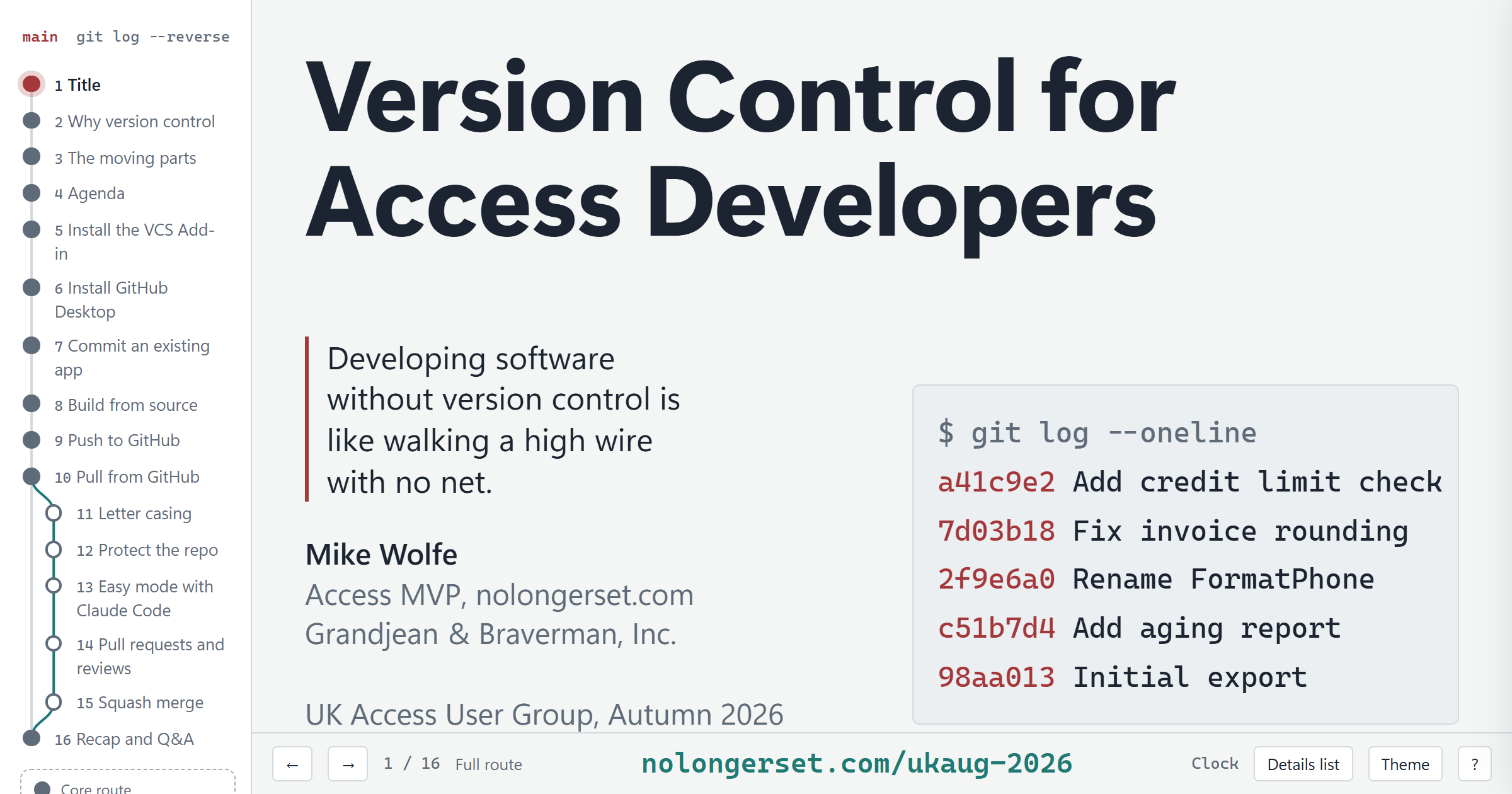
Open the slide deck: Version Control for Access Developers
Each slide is a title and one picture. The explanations, commands, and step-by-step instructions live behind the pictures:
- Move between slides with the arrow keys,
Space, or the outline down the left side. - Click anything with a teal dot to open a detail panel. Press
Dto open the details for the current slide. - Press
?to see every keyboard shortcut. - The Live demo button on the demo slides opens the runbook I followed during the live demo. Its file paths are specific to my PC, but they show exactly what I did.
The deck is a single, self-contained HTML file. Save it to your computer, and it works offline.
Why Git?
Longtime readers know I held out with Mercurial and TortoiseHg long after most of the world moved to Git. This talk uses Git and GitHub Desktop. These two articles explain why I resisted for so long, and what finally changed my mind:


Several of the older articles below were written while I was still using Mercurial, so their screenshots and instructions show TortoiseHg. The concepts carry over to Git unchanged; only the buttons you click are different. I’ve flagged those articles where they appear.
Links Related to Today’s Talk
This section includes links referenced in my slide show. These are also linked from the slide deck’s detail panels.
Why Version Control?
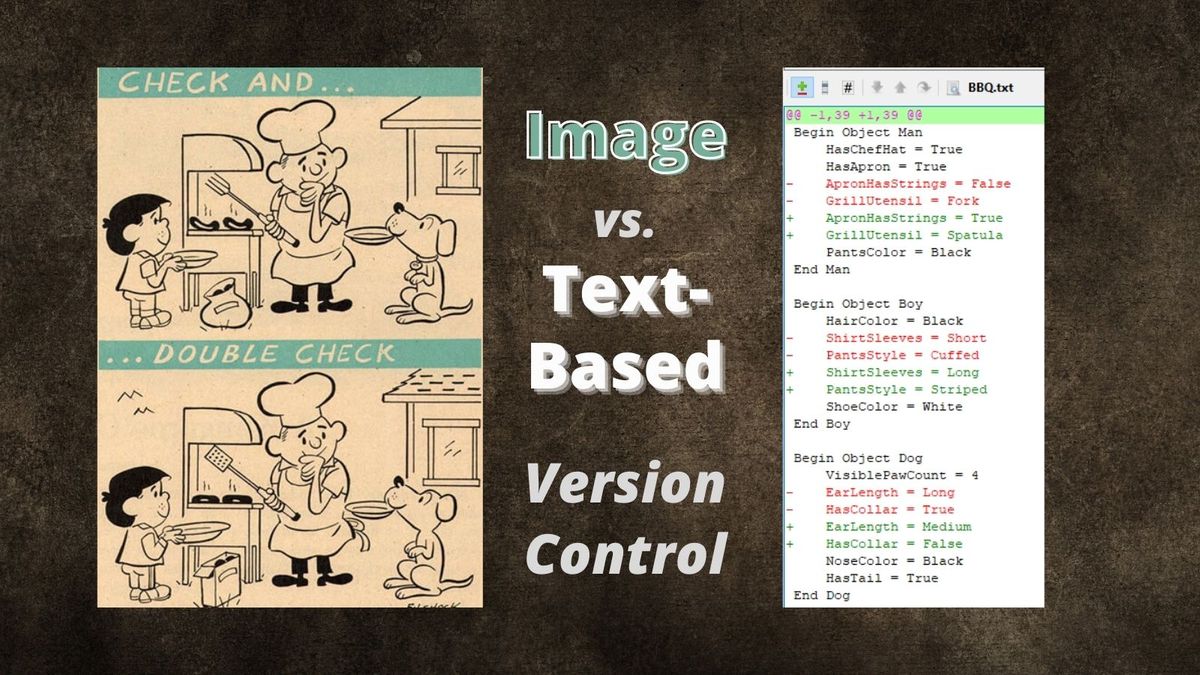
The “spot the difference” puzzle from the talk, and why text-based version control beats a folder full of dated .accdb copies:
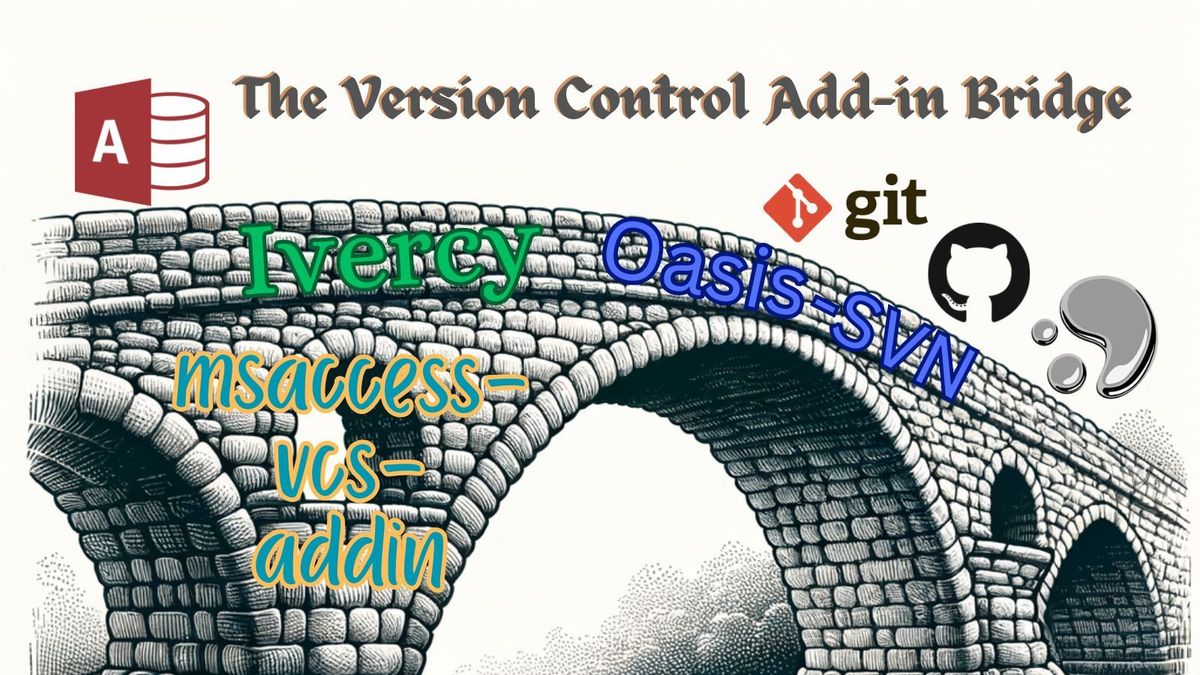
The Moving Parts
Why a readable diff is the payoff (TortoiseHg screenshots, same idea in GitHub Desktop):

Install the VCS Add-in
Adam Waller’s free, open-source add-in. Version 5.1 was released just last week:
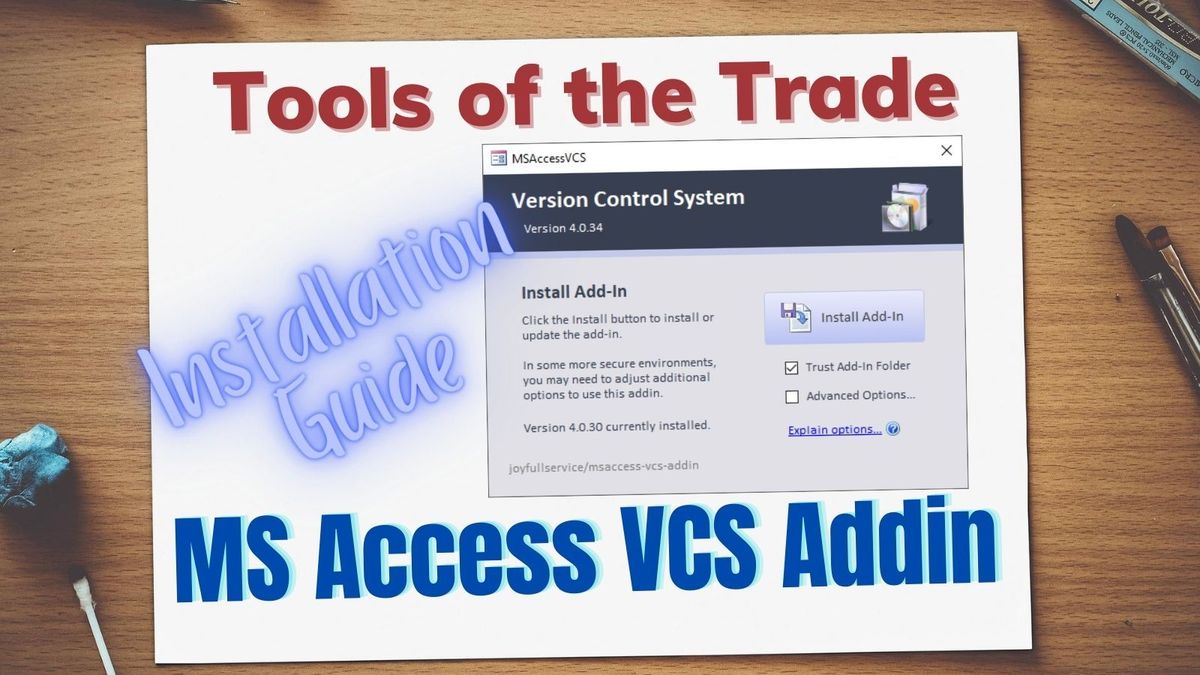
If Access shows a red SECURITY RISK bar instead of Enable Content, you skipped the “Unblock” step:

Install GitHub Desktop
Optional, but useful once you (or your AI coding agent) start working from the command line:
Commit, Build, Push, and Pull
A deep dive into the add-in with its author, including merge conflicts:
Written for Mercurial, but the same rules apply to Git’s .gitignore and to undoing changes in GitHub Desktop:

Silence the Casing Noise

Easy Mode: Let AI Drive Git


Past Presentations
If you enjoyed this presentation, you may enjoy some of my earlier ones on version control, as well. Both predate my switch to Git, so they set up TortoiseHg instead of GitHub Desktop: