Throwback Thursday: June 4, 2026
This week's edition of Throwback Thursday has several tips to help you hide or obscure sensitive data from those who need not see it.


With over a million words scattered across more than 1,800 articles on this blog, you've probably missed a few things here.
That’s why each week in "Throwback Thursday," we’ll revisit some standout posts. Expect a blend of my personal favorites, insightful articles from other great minds, and a touch of coding humor to keep things light.
Highlights from NoLongerSet.com
ObscureInfo(): Hide Sensitive Information in Access Form Controls
Avoid over-the-shoulder attacks and prevent accidental disclosures in your Microsoft Access forms with this easy-to-implement function.
 Mike Wolfe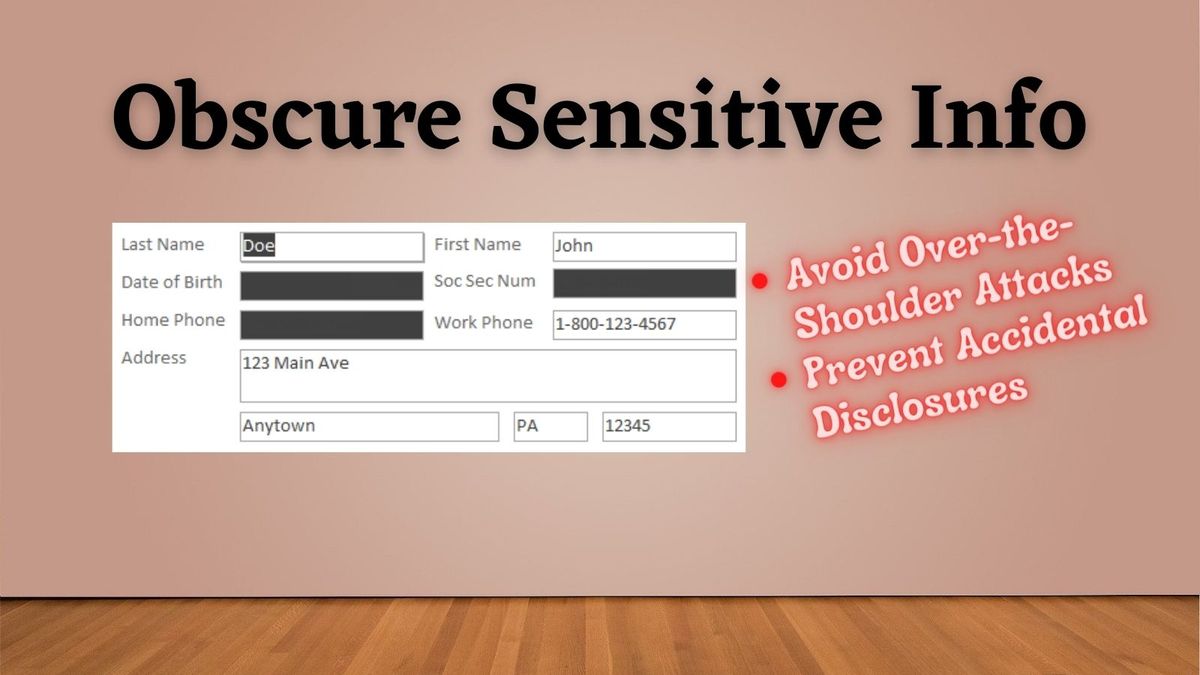
Fix for the error: “You can’t hide a control that has the focus” in Microsoft Access
The DefocusIfActive() procedure shifts the focus away from a control so that it may be hidden or disabled.
 Mike Wolfe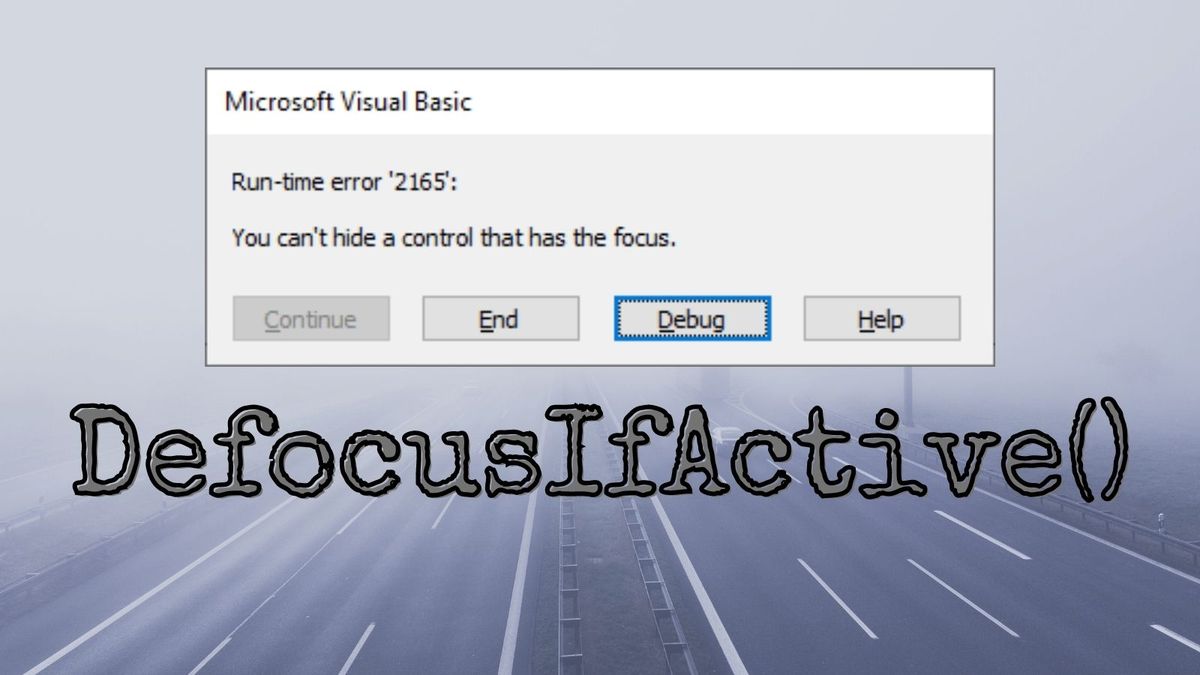
The TrySetFocus Convenience Function
The TrySetFocus function attempts to set focus to a control. If the operation succeeds, it returns True; otherwise, it returns False.
 Mike Wolfe
Wisdom from Around the Web
Click Me And I Disappear!
In older versions of Access up to A2010, you could only disable, lock or hide controls if they did not have the focus. In recent years, that limitation was changed . . . with some interesting side effects!
 Colin Riddington
Developer Humor
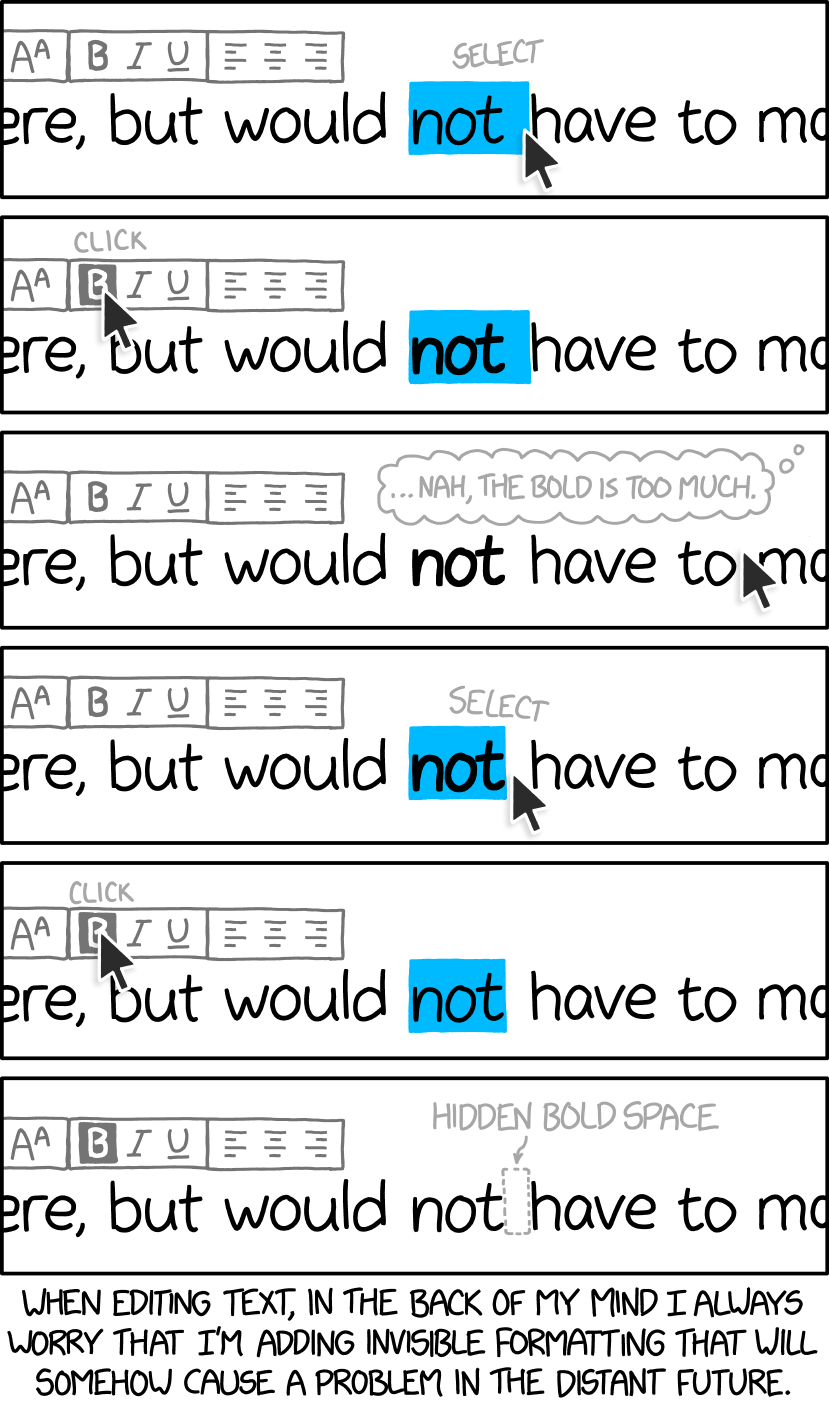
Invisible Formatting
Cover image generated by Ideogram

