Throwback Thursday: January 15, 2026
In today's edition of Throwback Thursday, we explore the subtleties of storing and displaying time spans in Microsoft Access.


With over a million words scattered across more than 1,500 articles on this blog, you've probably missed a few things here.
That’s why each week in "Throwback Thursday," we’ll revisit some standout posts. Expect a blend of my personal favorites, insightful articles from other great minds, and a touch of coding humor to keep things light.
Highlights from NoLongerSet.com
4 Approaches to Storing and Displaying Time Spans in Microsoft Access
As an Access developer, how do you store and display time spans like “3 days” or “2 weeks”? Let’s cover the pros and cons of four different approaches.
 Mike Wolfe
Displaying Human Readable Time Spans
The HumanizedSeconds() and ConvertToSeconds() functions work hand-in-hand to provide a general solution for storage and display of time spans.
Mike Wolfe
Displaying Very Long Human Readable Time Spans
With 29-million-year time spans, you can handle almost any task (besides evolution, continental drift, and adding the LAA flag to MS Access).
Mike Wolfe
Wisdom from Around the Web
My First BillG Review
In the olden days, Excel had a very awkward programming language without a name. “Excel Macros,” we called it. It was a severely dysfunctional programming language without variables (yo…
 Joel Spolsky
“I don’t know, you guys,” Bill said, “Is anyone really looking into all the details of how to do this? Like, all those date and time functions. Excel has so many date and time functions. Is Basic going to have the same functions? Will they all work the same way?”
“Yes,” I said, “except for January and February, 1900.”
Developer Humor
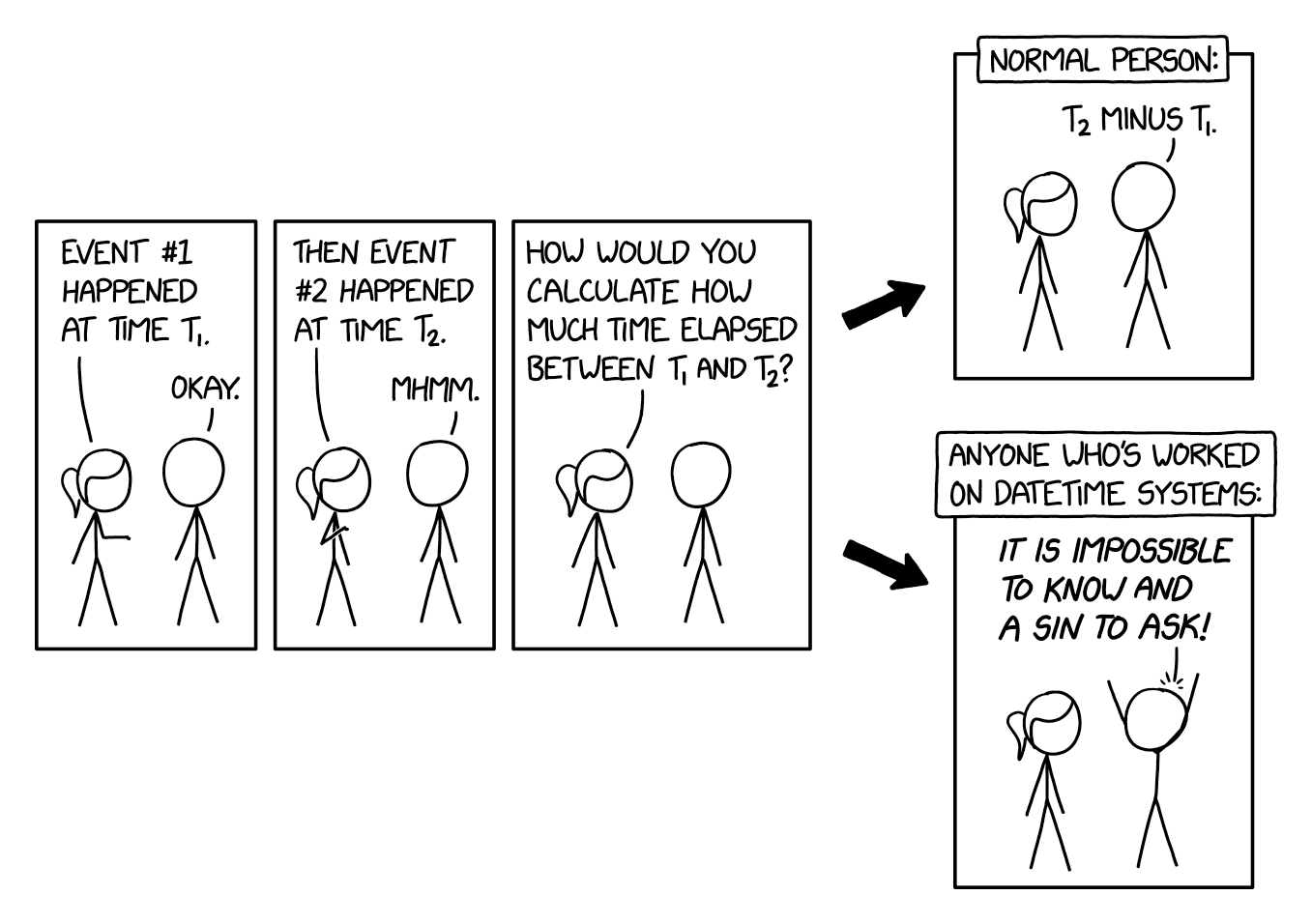
XKCD: DateTime
Cover image generated by Ideogram

